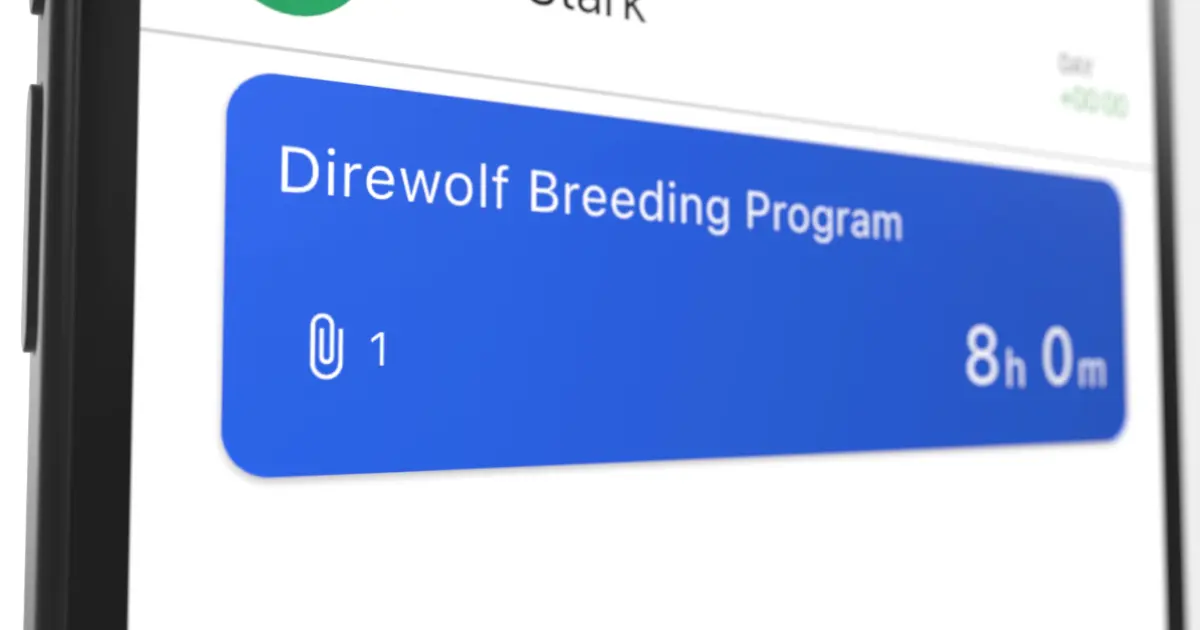
A receipt from lunch with a client, a delivery slip from the supplier, a photo of water damage on a job site: receipts and supporting documents pile up in the daily routine of a Swiss SME — usually ending up in the car, a back pocket, or eventually a shoebox in the office. Anyone who has had to match them later to the right hour, project or employee knows the pain.
With Samay, files can now be attached directly to a work time entry — exactly where the information already lives.
Where Can Files Be Attached?
Files are attached directly to the individual work time entry: one file per hour, captured where it actually originates — whether in the mobile app on site or on the computer in the office.
For the manager, this builds a complete project archive automatically: in the admin view, all files from all employees are listed together per project. That means no employee has to file documents in a separate folder. The project overview emerges by itself from the receipts attached to each working hour.
Which File Types Are Supported?
All of them. Samay accepts any file:
- Photos straight from the phone camera (JPG, PNG, HEIC) — no detour through the gallery
- PDFs for receipts, invoices, quotes and signed documents
- Office documents (Word, Excel) for task lists or notes
- Any other files — CAD sketches, voice notes, scanned delivery slips
Typical Use Cases
- Expense receipts on the hour: A petrol receipt, lunch bill or material purchase on the road gets logged with the working hour — not collected on a separate expense form at the end of the month.
- Job site documentation: A photo of the damage before work begins, a photo of the finished result on handover — both attached to the entry of the relevant day, instead of buried in a separate photo folder.
- Delivery notes and material slips: When materials arrive on site, the delivery slip is photographed once and attached to the current working hour — it appears automatically in the project overview in the admin view.
- Handover protocols and customer signatures: When the customer signs off the finished work, the protocol is attached to the time entry of the closing day — clear proof that the hours were performed and accepted.
Why Attach to the Working Hour?
Receipts have a simple lifecycle: they appear during work, belong to that work — and are typically only matched to the right entry days later. That's exactly the gap where receipts get lost or wrongly booked.
When the receipt is attached at the moment the hour is logged, the later matching disappears completely. That's not just more convenient — it's cleaner for accounting and audits. The Swiss Labour Act (Art. 46 ArG) requires working time records to be retained for at least five years. Receipts stored directly with the entry are immediately available in case of an audit.
Where Receipts Are Visible
All attached files are visible in the app and on the web at any time, against the relevant hour or project. PDF time reports continue to contain the time data only — receipts remain digitally available in the system, without bloating the report.
Summary
Receipts belong with the working hour, not the shoebox. With file attachments on the work time entry — and an automatically aggregated project view for the manager — Samay solves a problem most small businesses still handle by hand. And saves the time at month-end that would otherwise go into hunting down receipts.
